·
5 min read
Write a Note From Any Project, in Any Language, Any Method
Write a Note From Any Project, in Any Language, Any Method
A Fresh Jots note is just a URL. Anything that can make an HTTPS POST can write to it: a Python script, a Java service, a Postgres trigger, a shell pipeline, a Claude Code session. The pattern is the same across every language; the only thing that changes is the HTTP client. You can connect any AI coding agent to Fresh Jots.
This post is the index — three lines of glue in every major language, plus links to the full per-language guides as they go live.
The per-language deep dives in section 3 link to a full integration guide for each language listed there. For anything not on that list, wire Fresh Jots up by hand or with an AI's help — the pattern is identical. First, though, point your AI at your token. First, you need to set up real quick.
A Fresh Jots note is just a URL. Anything that can make an HTTPS POST can write to it: a Python script, a Java service, a Postgres trigger, a shell pipeline, a Claude Code session. The pattern is the same across every language; the only thing that changes is the HTTP client. You can connect any AI coding agent to Fresh Jots.
This post is the index — three lines of glue in every major language, plus links to the full per-language guides as they go live.
The per-language deep dives in section 3 link to a full integration guide for each language listed there. For anything not on that list, wire Fresh Jots up by hand or with an AI's help — the pattern is identical. First, though, point your AI at your token. First, you need to set up real quick.
The per-language deep dives in section 3 link to a full integration guide for each language listed there. For anything not on that list, wire Fresh Jots up by hand or with an AI's help — the pattern is identical. First, though, point your AI at your token. First, you need to set up real quick.
1. The contract
1. The contract
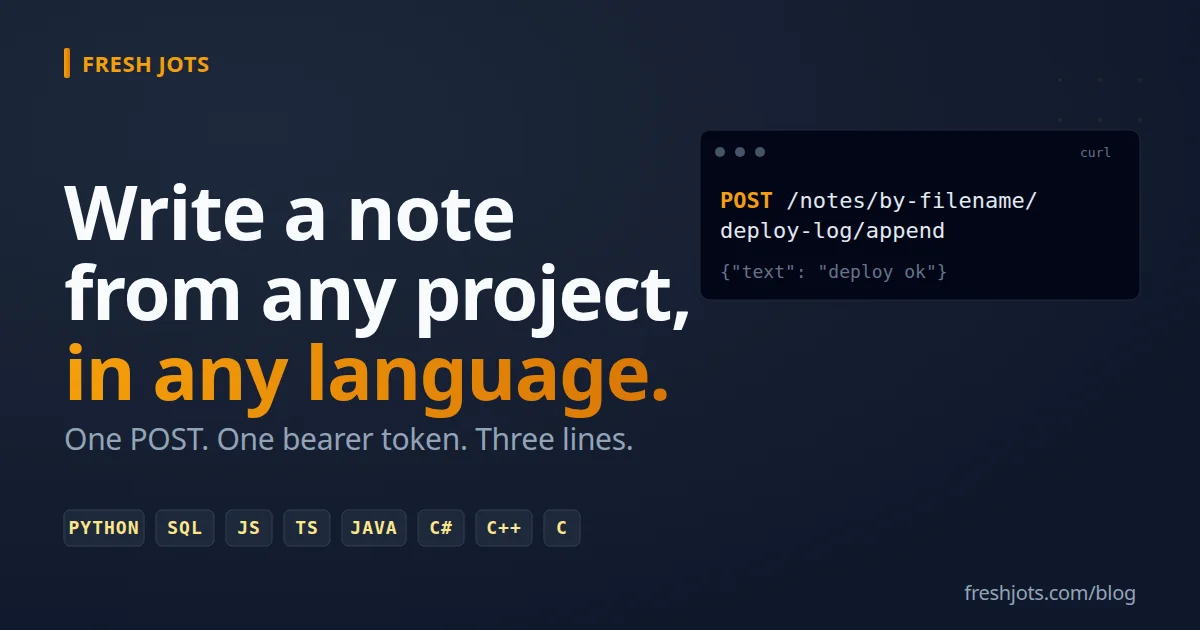
One endpoint, one header, one JSON body. That's the whole API surface you need for "append a line to my note":
POST https://freshjots.com/api/v1/notes/by-filename/<your-note>/append
Authorization: Bearer <FRESHJOTS_TOKEN>
Content-Type: application/json

{"text": "your line here"}
You address notes either by id (`/notes/42/append`) or by filename (`/notes/by-filename/cron-jobs/append`). Filename is easier — every script that "knows itself" can name its own target without round-tripping to find an id.
A curl call, to anchor everything below:
curl -X POST https://freshjots.com/api/v1/notes/by-filename/deploy-log/append \
  -H "Authorization: Bearer $FRESHJOTS_TOKEN" \
  -H "Content-Type: application/json" \
  -d '{"text":"deploy ok — sha=abc123"}'
Three lines of body in every language below produce the exact same HTTP request.
2. The pattern in other languages
2. The pattern in other languages
Python
import os, requests
requests.post(
    "https://freshjots.com/api/v1/notes/by-filename/deploy-log/append",
    headers={"Authorization": f"Bearer {os.environ['FRESHJOTS_TOKEN']}"},
    json={"text": "deploy ok — sha=abc123"},
)
SQL (Postgres, via the `http` extension)
SELECT status
FROM http((
  'POST',
  'https://freshjots.com/api/v1/notes/by-filename/db-events/append',
  ARRAY[http_header('Authorization', 'Bearer ' || current_setting('app.freshjots_token'))],
  'application/json',
  '{"text":"backup_done at ' || now()::text || '"}'
)::http_request);
Useful inside a trigger so the database itself writes the note when a row changes. The deep-dive post will cover MySQL (UDF) and SQL Server (CLR) too.
JavaScript (Node)
JavaScript (Node)
await fetch("https://freshjots.com/api/v1/notes/by-filename/deploy-log/append", {
  method: "POST",
  headers: {
    "Authorization": `Bearer ${process.env.FRESHJOTS_TOKEN}`,
    "Content-Type": "application/json",
  },
  body: JSON.stringify({ text: "deploy ok — sha=abc123" }),
});
TypeScript
Same as JavaScript, with the response typed:
type AppendResponse = {
  id: number;              // integer note id (also accepted on the /notes/:id routes)
  filename: string;
  created: boolean;        // true only on the first append, which creates the stream
  append_only: boolean;
  client_encrypted: boolean;
  byte_size: number;       // the note's total size after this append
  bytes_remaining: number; // headroom left against the per-note cap
  storage_used: number;    // account (or team) storage used, in bytes
  storage_cap: number;     // the account's (or team's) storage cap, in bytes
  updated_at: string;      // ISO 8601 timestamp
};

const res = await fetch(
  "https://freshjots.com/api/v1/notes/by-filename/deploy-log/append",
  {
    method: "POST",
    headers: {
      "Authorization": `Bearer ${process.env.FRESHJOTS_TOKEN}`,
      "Content-Type": "application/json",
    },
    body: JSON.stringify({ text: "deploy ok — sha=abc123" }),
  },
);
const note: AppendResponse = await res.json();
Java
HttpClient.newHttpClient().send(
  HttpRequest.newBuilder(URI.create(
      "https://freshjots.com/api/v1/notes/by-filename/deploy-log/append"))
    .header("Authorization", "Bearer " + System.getenv("FRESHJOTS_TOKEN"))
    .header("Content-Type", "application/json")
    .POST(BodyPublishers.ofString("{\"text\":\"deploy ok — sha=abc123\"}"))
    .build(),
  BodyHandlers.discarding());
C#
using var http = new HttpClient();
http.DefaultRequestHeaders.Authorization =
    new AuthenticationHeaderValue("Bearer", Environment.GetEnvironmentVariable("FRESHJOTS_TOKEN"));
await http.PostAsync(
    "https://freshjots.com/api/v1/notes/by-filename/deploy-log/append",
    new StringContent("{\"text\":\"deploy ok — sha=abc123\"}",
                      Encoding.UTF8, "application/json"));
C++ (libcurl)
CURL* c = curl_easy_init();
struct curl_slist* h = nullptr;
h = curl_slist_append(h, ("Authorization: Bearer " + std::string(getenv("FRESHJOTS_TOKEN"))).c_str());
h = curl_slist_append(h, "Content-Type: application/json");
curl_easy_setopt(c, CURLOPT_URL,
  "https://freshjots.com/api/v1/notes/by-filename/deploy-log/append");
curl_easy_setopt(c, CURLOPT_HTTPHEADER, h);
curl_easy_setopt(c, CURLOPT_POSTFIELDS, "{\"text\":\"deploy ok — sha=abc123\"}");
curl_easy_perform(c);
curl_easy_cleanup(c);
C (libcurl)
Same shape as C++ — libcurl is C-first. The deep-dive post will show error checking and a reusable wrapper function.
3. Per-language deep dives
3. Per-language deep dives
Python — `requests` for one-offs, `httpx` for async, exporting a clean `freshjots.append(text)` for the rest of your codebase.
SQL — Postgres (`http` extension, `pg_net`), MySQL, SQL Server. Triggers and async caveats.
JavaScript — Node 20+'s built-in `fetch`, browser `fetch` with CORS notes, batching via the bulk endpoint.
TypeScript — typed responses, a small SDK shape, using the API from a Vite / Next.js app.
Java — `HttpClient` patterns, Spring Boot integration, error-handling middleware.
C# — `HttpClient` lifetime (don't `new` per call), `IHttpClientFactory`, ASP.NET integration.
C++ — libcurl wrappers, RAII for headers, cpr as the modern alternative.
C — libcurl with proper error checking, a single-file reusable function.
4. Why this matters
4. Why this matters
Once you internalize that *any* HTTPS POST is one append, a lot of "I should set up logging for this" questions collapse into "I'll just append to a Fresh Jots note":
- Deploy receipts — every successful deploy gets one line. Bisecting regressions three weeks later is grep, not Datadog.
- CI failure log — on-failure step in GitHub Actions / GitLab CI / CircleCI curls the build summary into a per-repo note.
- Backup/cron heartbeat — append at the end of every successful run, set a dead-man deadline. Free replacement for Healthchecks.io.
- Database trigger journal — Postgres trigger writes a line when a sensitive row changes. Audit trail without an audit table.
- Personal incident timeline — debugging prod at 3 AM, append timestamped lines from the terminal. Post-mortem writes itself.
The lift is so low (three lines) that the question stops being "is this worth setting up" and starts being "is there any reason *not* to."
5. Get started
5. Get started
You need a Fresh Jots API token. The fastest path:
1. Sign up.
2. Pick Plain notes mode at onboarding (or switch to it later from Settings).
3. A 14-day trial API key lands in your inbox.
4. Set `FRESHJOTS_TOKEN` in your shell or `.env`, copy the curl above, change the filename to one you own.
Three lines, in your language. One note, append-only. The rest is up to you.