·
7 min read
Connect any AI coding agent to Fresh Jots
Connect any AI coding agent to Fresh Jots
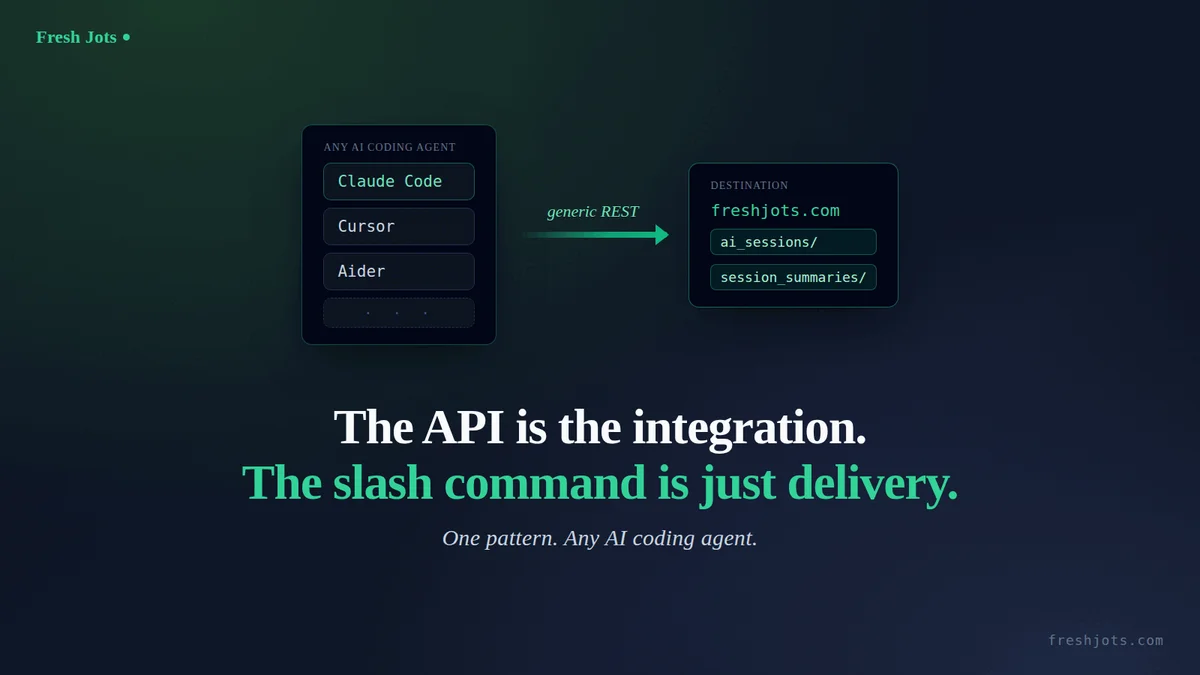
The API is the integration, the slash command is just delivery.
Every other "write to Fresh Jots" guide assumes *you* write the integration: here's the `curl`, here's the same call in Python or C#, drop it in your deploy script. That's Everything you can do here and the per-language guides behind it.
Every other "write to Fresh Jots" guide assumes *you* write the integration: here's the `curl`, here's the same call in Python or C#, drop it in your deploy script. That's Everything you can do here and the per-language guides behind it.
An AI coding agent flips that around. You don't write the integration — the agent writes it for you, from one pasted prompt: it wires the token, writes the command or hook, creates the folder, and from then on captures its own work into Fresh Jots without you touching code again. The agent *is* the integrator.
This post is about that class of integration: what's actually generic about it, what's specific to one tool, and how to point any agent at Fresh Jots — not just Claude Code.
1. You review diffs; the agent does the wiring
1. You review diffs; the agent does the wiring
The mental model that matters: with a language guide, the unit of work is *a line of code you own*. With an agent, the unit of work is *a prompt you paste and a set of diffs you approve*. You stay in control through review (every prompt in this series shows diffs before writing to your home directory and never echoes your token), but you are not the one writing the HTTP call — the agent is.
That's why these are different posts, not the same post in a different language. The reader here doesn't want a `requests` snippet. They want their agent to remember its own sessions with as little of their own effort as possible.
2. Mechanism vs. wrapper
2. Mechanism vs. wrapper
Here's the part worth internalizing, because it's what makes "any agent" true rather than aspirational.
The mechanism is generic REST. Strip away the tooling and every one of these integrations is the same three moves:
1. The agent composes text (a verbatim transcript, or a curated summary of what it just did).
2. It resolves — or creates — a destination folder.
3. It `POST`s a note.
Nothing in those three steps is specific to any AI tool. It's an HTTP request with a bearer token.
The wrapper is tool-specific — and it's only delivery. What Claude Code adds is purely *how the mechanism gets invoked*:
| Tool | Where the wrapper lives | What you adapt |
|---|---|---|
| Claude Code | A slash command in `~/.claude/commands/*.md`, or a `SessionEnd` / `PreCompact` hook in `~/.claude/settings.json` | Nothing — the ready-made prompts below do it |
| Cursor | A project/user rule or custom command | Paste the mechanism (steps 1–3) as a rule; drop the `~/.claude/...` paths |
| Aider, Gemini CLI, Codex CLI, etc. | That tool's own command/extension surface, or just an ad-hoc paste when you want a capture | Keep the bash; rename the Claude-flavored title/cache paths |
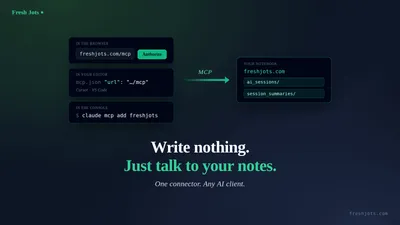
| Shell-less chatbots (Claude.ai, ChatGPT) | No shell, so no auto-`POST` | Have it write the summary and you run the POST yourself — or, for Claude.ai, connect the Fresh Jots MCP connector and it writes notes directly, no POST by hand. |
Swap the wrapper, keep the mechanism, and the same pattern works anywhere. Fresh Jots can't tell — and doesn't care — whether the request came from Claude Code, Cursor, a cron job, or you typing it by hand. It authenticates the token's tier, not the client.
3. The two capture patterns
3. The two capture patterns
Across the agent posts there are exactly two shapes, and they're complementary — most people eventually run both, in separate folders:
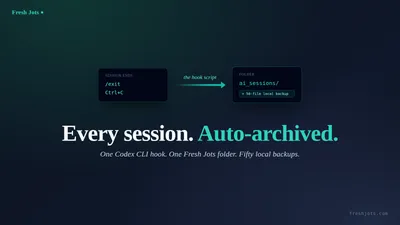
- Verbatim auto-archive — a hook that fires at the *end of every session* and uploads the full transcript. You get a complete, unedited haystack you can grep later. Set up in one prompt, or built by hand.
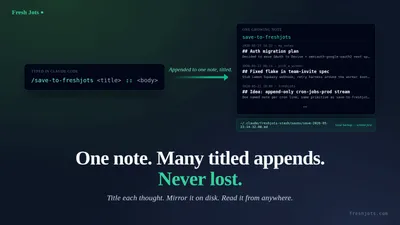
- On-demand curated summary — a command you type *when you want a kept thought*: the agent composes a structured digest (what changed, what's open, key facts) and posts that. The companion summarize-session post covers this one.
Folder-per-intent is the only rule that ties them together: send the haystack to one folder and the curated keepers to another (the conventional names are `ai_sessions` and `session_summaries`, but the folder name is yours to choose). Two intents, two folders, never interleaved.
4. The agent-correct API idiom — copy this, don't re-derive it
4. The agent-correct API idiom — copy this, don't re-derive it
If you're adapting the mechanism to a new tool, copy the idiom below rather than reconstructing it from the API docs. One detail bites every from-scratch reimplementation:
Folder name uniqueness is case-insensitive. The server enforces uniqueness on `LOWER(name)`. If your "does this folder exist?" lookup does an *exact* string match, it will miss an existing `Session_Summaries` / `session summaries`, then the create call fails on "name already taken", and — if you didn't check that failure — the note silently lands at the account root instead of the folder. Match case-insensitively and this never happens.
```bash
TOKEN="$FRESHJOTS_TOKEN"; FOLDER="ai_sessions"
# Resolve or create — case-insensitive, mirrors the server's LOWER(name) rule.
fid=$(curl -sS -H "Authorization: Bearer $TOKEN" \
https://freshjots.com/api/v1/folders \
| jq -r --arg n "$FOLDER" \
'.folders[]? | select((.name // "" | ascii_downcase) == ($n | ascii_downcase)) | .id' \
| head -1)
[ -z "$fid" ] && fid=$(curl -sS -H "Authorization: Bearer $TOKEN" \
-H 'Content-Type: application/json' \
-d "{\"folder\":{\"name\":\"$FOLDER\"}}" \
https://freshjots.com/api/v1/folders | jq -r '.id // empty')
# POST the note (plain text). Oversize → HTTP 413, code "content_too_large".
jq -Rs --arg t "my-note-title" --argjson f "$fid" \
'{note: {title: $t, plain_body: ., format: "plain", folder_id: $f}}' < body.txt \
| curl -sS -X POST https://freshjots.com/api/v1/notes \
-H "Authorization: Bearer $TOKEN" -H 'Content-Type: application/json' --data @-
```
The contract, stated once so the spokes don't each re-explain it:
- Auth: `Authorization: Bearer mn_…`. Nothing else identifies the caller — there is no per-client gating.
- Tier, not client: the API is available to Dev and Team tokens and the 14-day API trial token (issued automatically when you onboard in Plain-notes / code mode). Which agent makes the call is irrelevant; the token's tier is everything.
- Per-note size cap (plain-text body): 1 MB Free/Personal, 3 MB Dev/Team. Exceed it and the `POST` returns HTTP 413 with code `content_too_large` — not a silent truncation. A verbatim transcript can hit this; a curated summary almost never will. If you hit it, capture less or summarize harder.
- Folders: `GET /api/v1/folders` lists; `POST /api/v1/folders` with `{"folder":{"name":…}}` creates and returns `{ "id": … }`. Uniqueness is case-insensitive (see above).
- Notes: `POST /api/v1/notes` with `{"note":{title, plain_body, format:"plain", folder_id}}`; `201` on success with the new note's `id`.
5. Where this sits relative to the rest of the blog
5. Where this sits relative to the rest of the blog
- You need a token first. Get your Fresh Jots API token, then set it once — sign-up, the 14-day API trial (Plain-notes / code-mode onboarding), the three ways to set FRESHJOTS_TOKEN, and the safety rules. Every agent prompt in this series also does this for you automatically; that post is the manual reference and the place safety lives.
- You just want the feature tour. Everything You Can Do Here.
- You want the ready-made agent prompts. The auto-archive posts linked above; the on-demand summarize-session companion.
One pattern, one generic REST mechanism, any agent. The slash command was never the integration — it was just how one tool happened to deliver it.